What shipped in CrewSmart: April to June 2026


Eleven releases in thirteen weeks, two of them the largest features we have shipped in years. If you only read one of these round-ups, make it this one.
Digital Forms
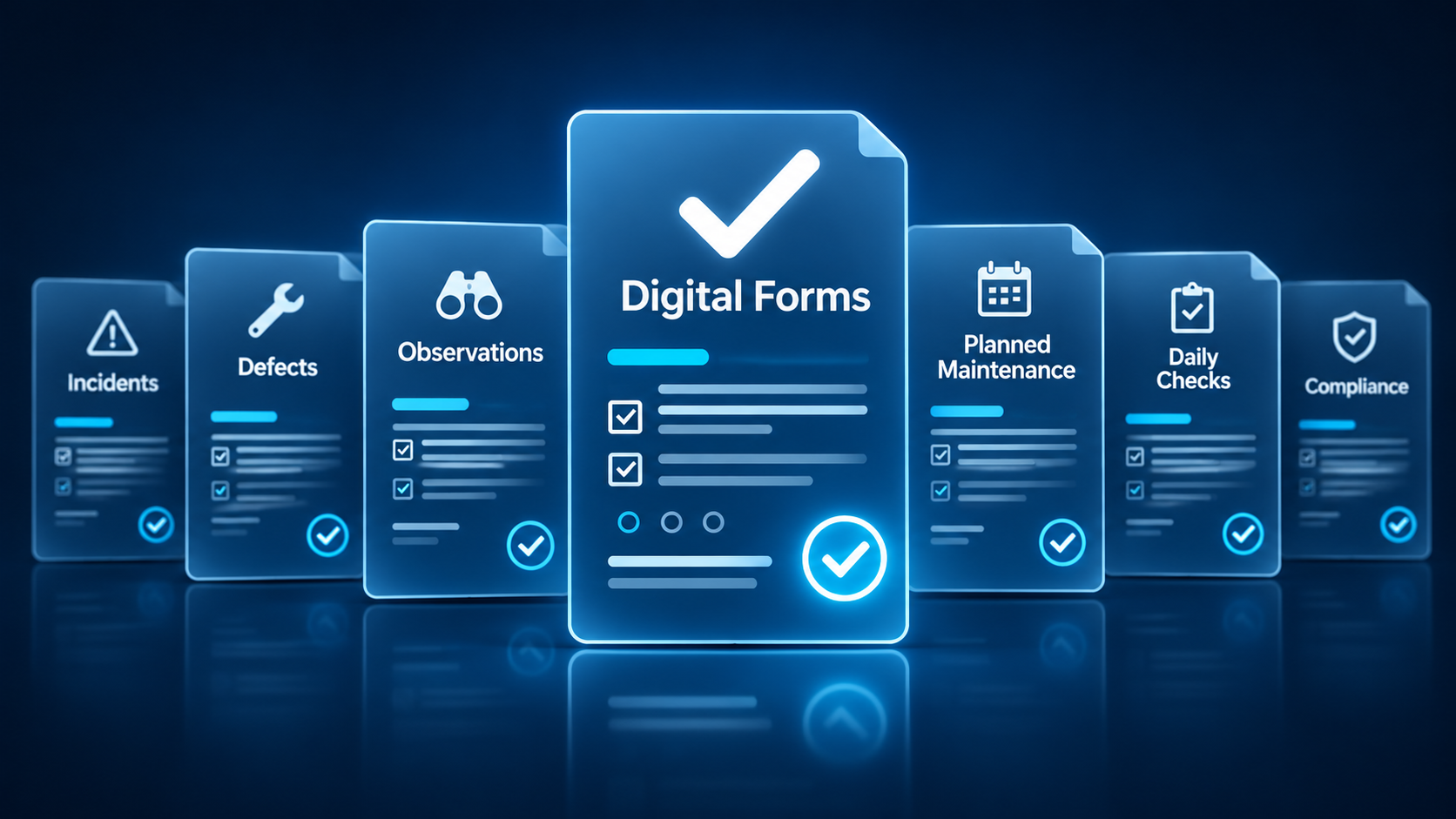
Released in June, the Digital Forms platform lets administrators build their own forms and use them anywhere in CrewSmart: recruitment, onboarding, crew profiles, procedures and actions. Field types, validation, dynamic tables, digital signatures, file uploads, save-and-resume, version control and PDF export are all in the first release, and every submitted form carries a full audit trail.
The point is not the form builder. It is that the extra information a procedure needs can now be collected as part of the procedure itself, on the vessel, and lands in your safety management records instead of in an inbox. We wrote about it separately.
KPI Report Builder
Also new: build and save your own KPI reports from widgets (charts, counters, trends, tables, drill-downs), filter them by region, vessel, contract and date, and export to PDF. The first release covers defects, HSE observations, incidents, toolbox talks and attendance. Saved reports update themselves as data comes in, so the management-review pack stops being a monthly copy-and-paste job. You will find it under Organisation.
Projects: financials, forecasts and currencies
Project Contracts gained a Financial Analysis section (summary, monthly breakdown, margin trend, costs over time, labour, travel, expenses, margin risks), forecasting views, Excel and PDF exports, and proper multi-currency support: costs are converted into the project currency while the original is kept. Large contract reports also run considerably faster.
Work Packages
Crew Manager and Fleet Planner can now define periods of work within a vessel's operation, such as mobilisation and demobilisation, with their own types set up in Admin. Phases of a job are separated for planning and reporting rather than lumped into one block of days.
Purchasing: QuickBooks and clearer requisitions
Approved requisitions can be turned into purchase orders and synced to QuickBooks, matching what was already available for Xero. The requisition itself gained line-item clarification comments between office and vessel, a clearer approve-and-decline flow, an "add all" option and RFQ creation as a tab on the requisition page.
Security and performance
May's platform update expanded Microsoft Entra single sign-on for both admin users and client sites, tightened password and credential handling, improved IMS visibility by role, and introduced smarter caching that most users noticed as pages simply loading faster.
Smaller changes
- Vessel expenses: crew and technicians can submit spend on a company card, with categories mapped to your accounting cost codes.
- Onboarding can email a designated office group when a profile is submitted for review.
- Refreshed IMS compliance view and a faster PDF viewer.
- Timesheet PDFs are only regenerated when the timesheet has actually changed, and changed timesheets are flagged.
- Uploading a new certificate archives the old one instead of overwriting it, for both crew qualifications and vessel certificates.
Nearly all of this was requested by customers. Keep the requests coming: contact us.